← All how-to videos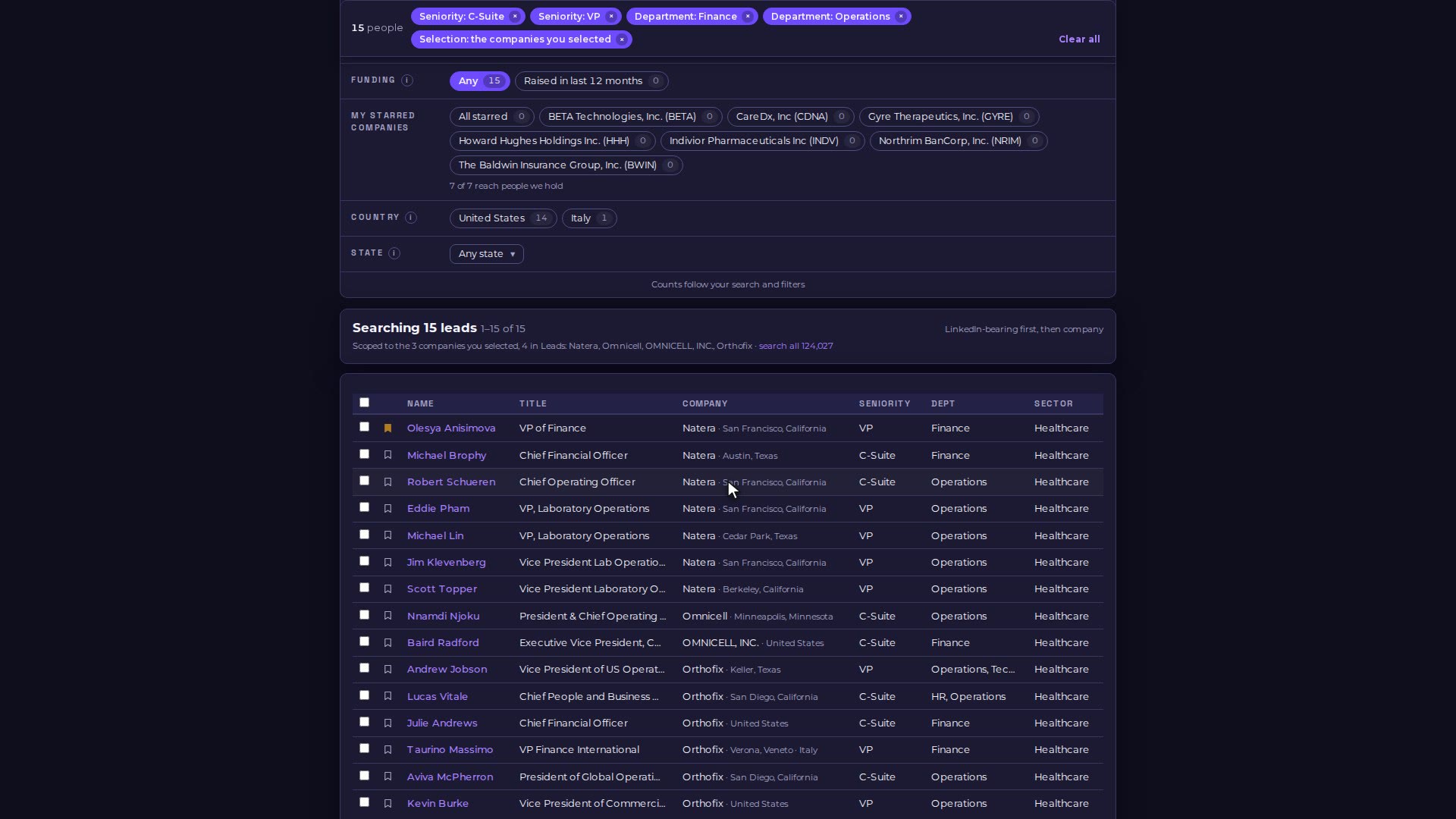
Step 03 · Find the people
Save leads to your pipeline and lists
Save the people you want to work into My Pipeline, one at a time or several at once into a people list.

Video 06 of 15 · 1:06
Step by step
- In Find, click the bookmark next to a person to save them to My Pipeline.
- To save several, tick them, type a name under "New list…" and choose "Create & add" (or pick an existing list and Add).
- Everyone you add to a list is saved to your pipeline too.
- Open My Pipeline to work your saved leads; your people lists are under Lists.