← All how-to videos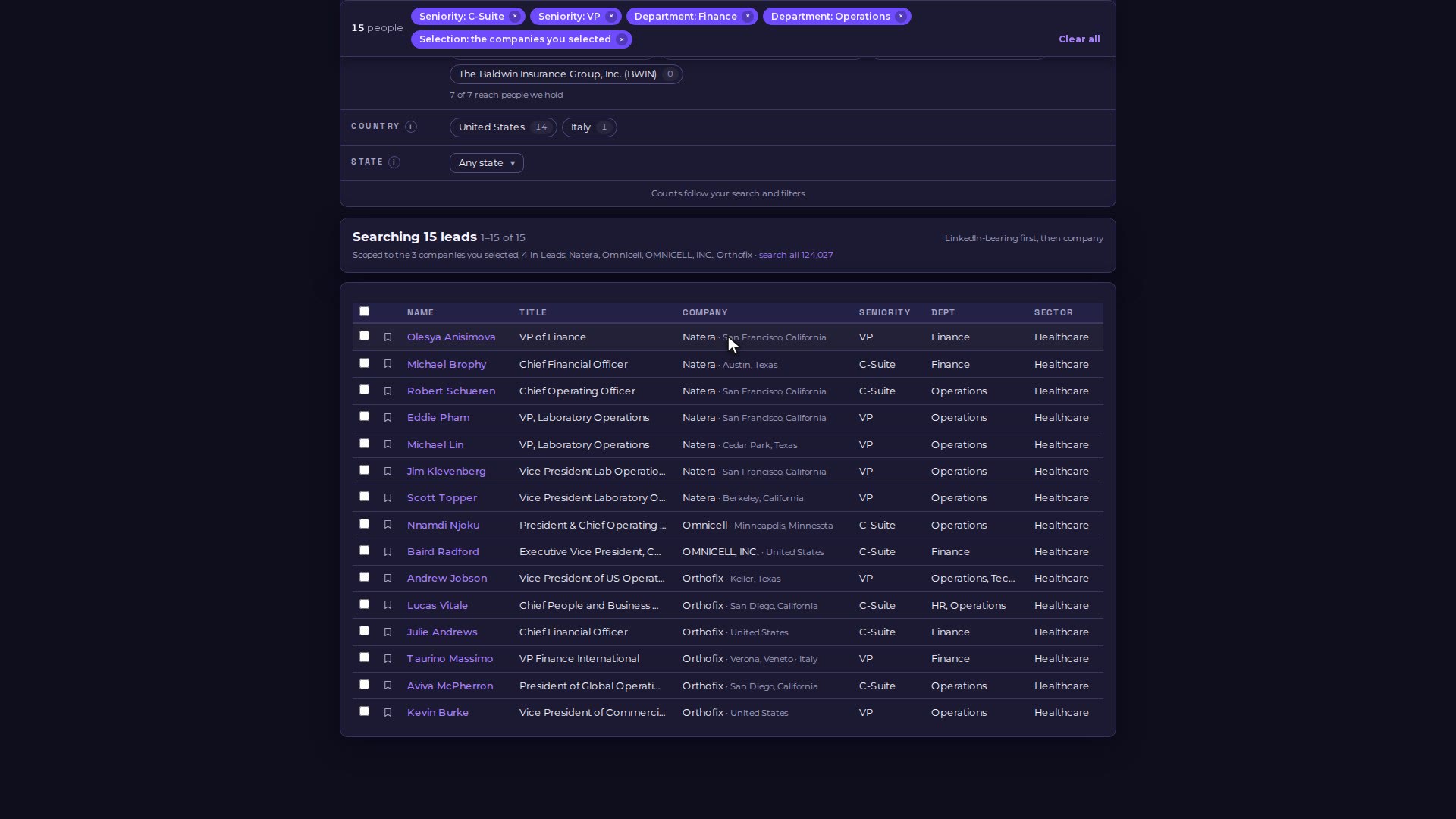
Step 03 · Find the people
From companies to people
Open a company list, choose Find leads, and narrow the people at those companies by seniority and department.

Video 05 of 15 · 1:06
Step by step
- Open Leads, then Lists, and open a company list.
- Choose "Find leads at all N companies". Find opens, scoped to those companies.
- Pick seniority chips, for example C-Suite and VP.
- Open More filters and pick a department, for example Finance.
- Every chip shows how many people it leaves, so you can see the effect before you click.