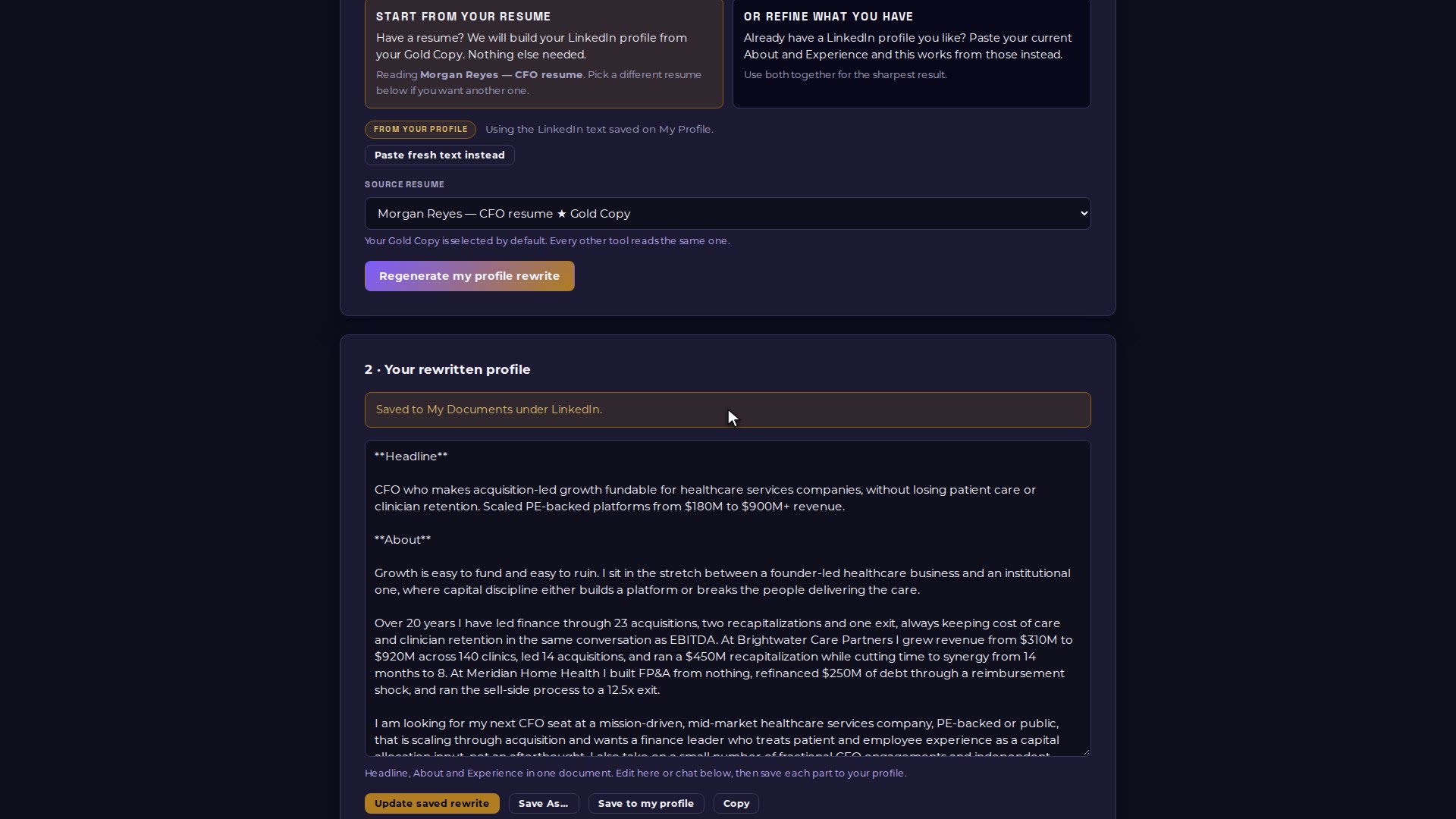
The LinkedIn Optimizer rewrites your headline, About and Experience as one document, from your Executive Profile and your resume. It is saved to My Documents, and you choose which sections go back to your profile.
Video 13 of 15 · 1:12
Step by step
Open The Toolkit → The LinkedIn Optimizer.
Check the source: it reads the LinkedIn text saved on My Profile and your Gold Copy resume (or paste fresh text instead).
Choose Rewrite my profile.
Review the headline, About and Experience. The rewrite is saved to My Documents under LinkedIn.
Choose which sections to save back to your profile, or edit the text and ask for changes in the chat below.