← All how-to videos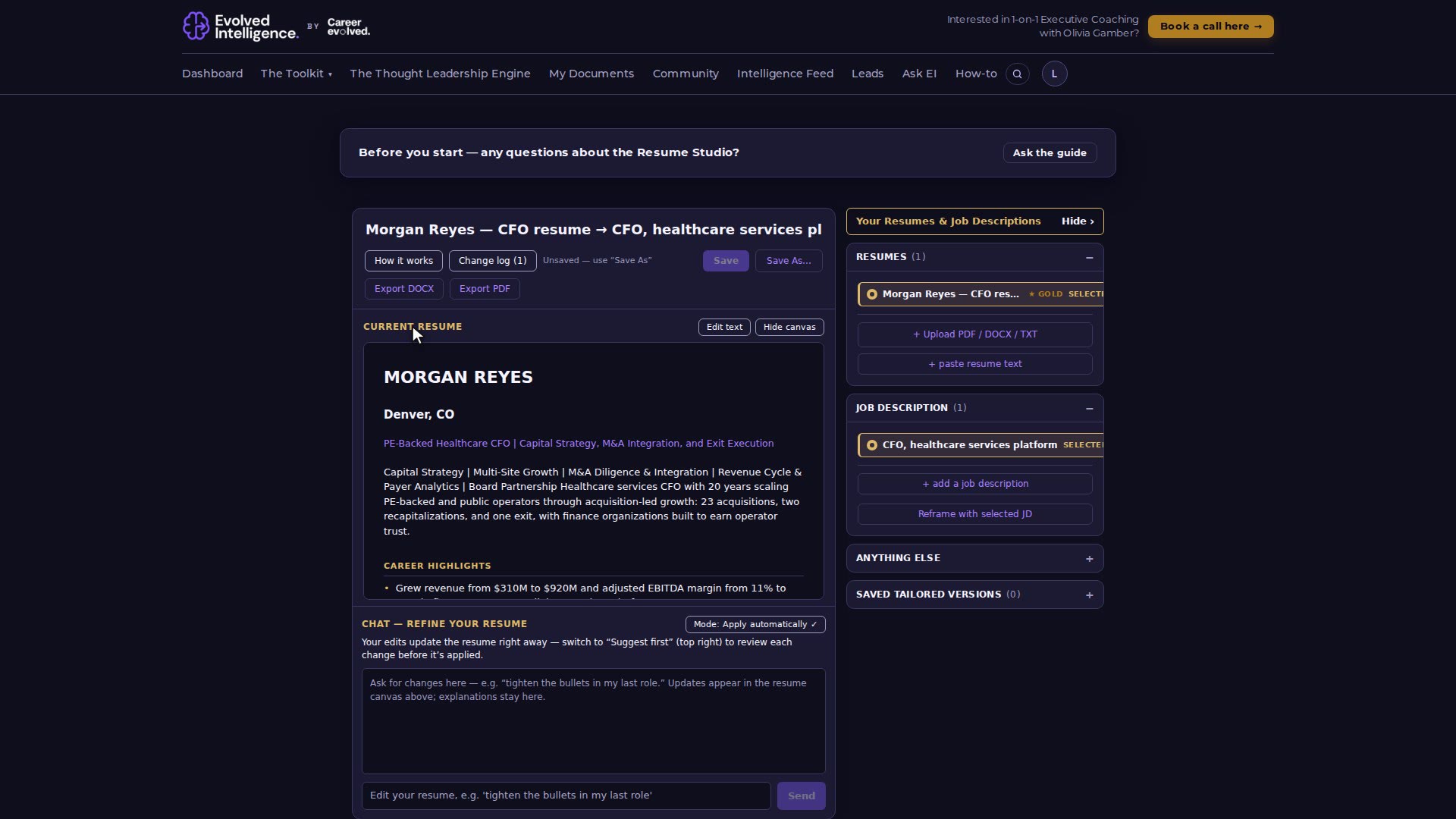
Your career toolkit
Reframe your resume for a role
The Resume Studio rewrites your resume for one job description. You refine it in chat, then save it as a version or export it.

Video 12 of 15 · 1:18
Step by step
- Open The Toolkit → The Resume Studio. Your Gold Copy resume is already in the library on the right.
- Choose + add a job description, name it, paste the job description and Save.
- Select your resume and the job description (both highlight in gold), then choose Reframe my resume.
- Read the reframed resume in the canvas. Ask for changes in the chat below it, for example "lead with the recapitalization".
- Choose Save As… to keep it as a named version, or Export DOCX / PDF.