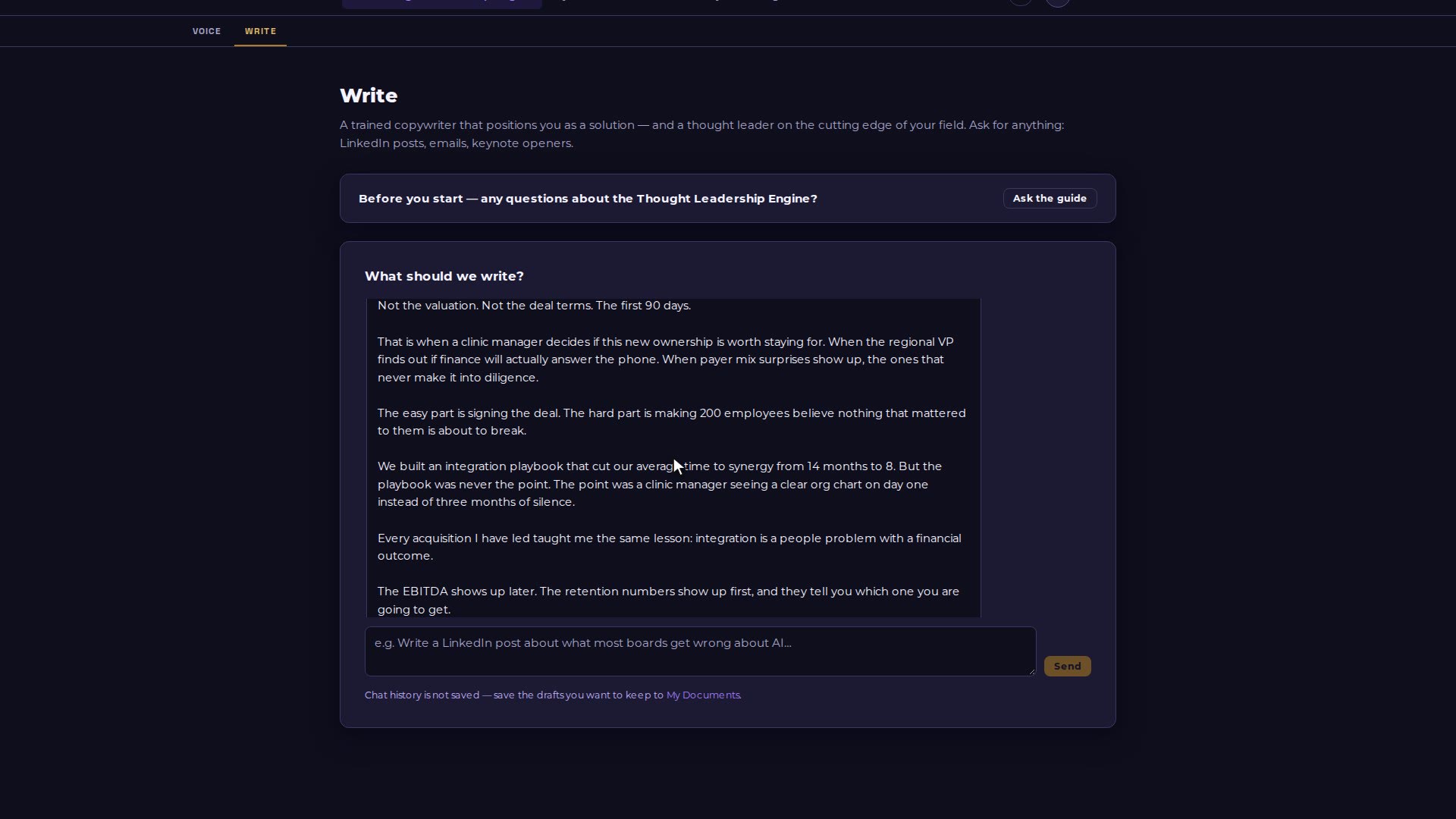
The Thought Leadership Engine builds a voice document from writing you have already sent. Once you approve it, the Write tab drafts posts, emails and more in that voice.
Video 14 of 15 · 1:22
Step by step
Open The Thought Leadership Engine. On the Voice tab, paste two to five pieces of writing you have actually sent.
Choose Generate my voice document, read it, edit it if you like, then choose Approve this voice document.
Open the Write tab and pick LinkedIn post (or Email, Article opener, Talking points).
Finish the sentence with your topic and choose Send.
Under the draft, choose Save to My Documents to keep it, or Copy to paste it into LinkedIn yourself.