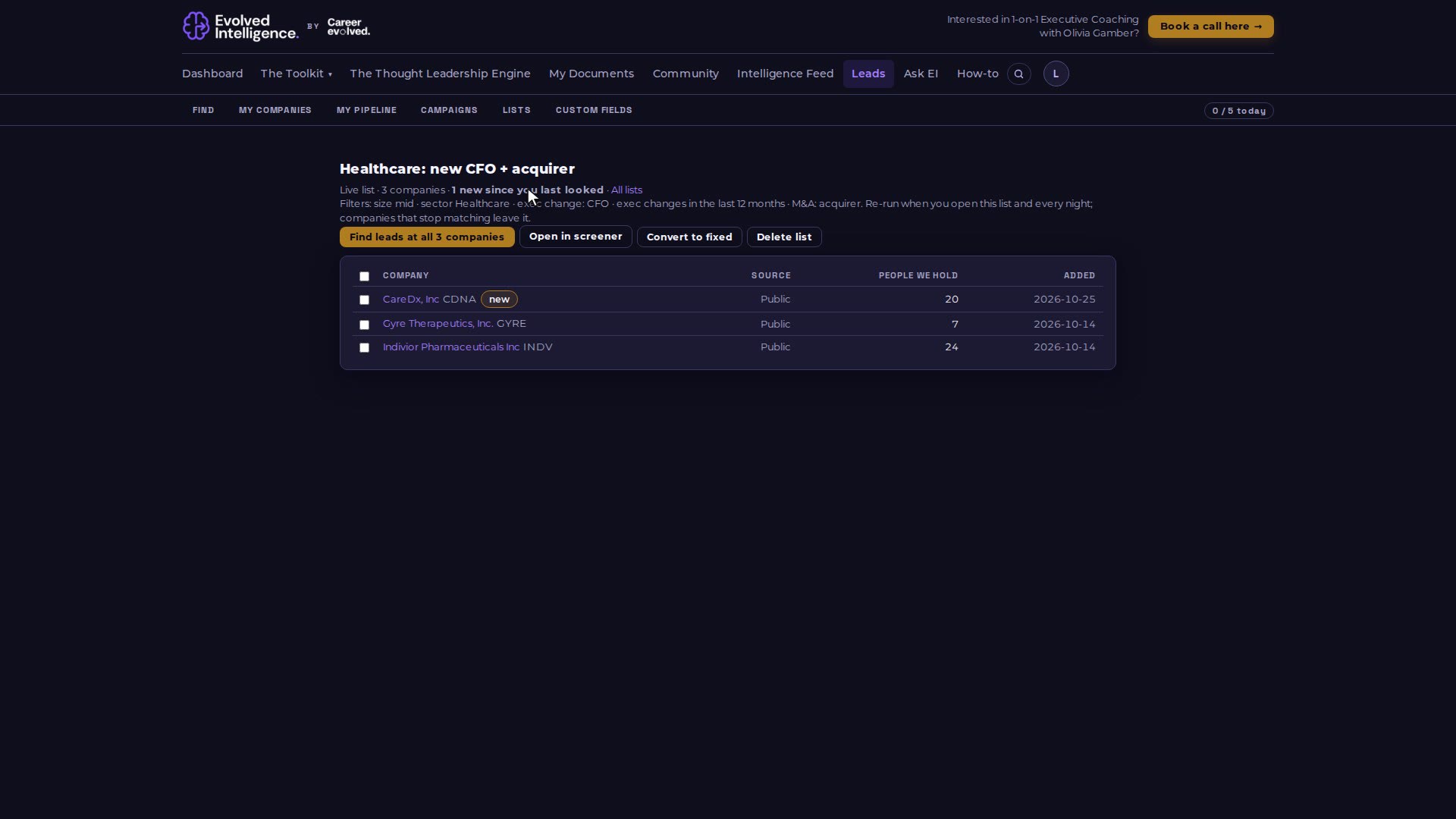
A fixed list holds exactly the companies you put in it. A live list is a saved set of screener filters that re-runs every night and when you open it, and tells you how many companies are new since you last looked.
Video 04 of 15 · 1:09
Step by step
Open Leads, then the Lists tab. Company lists are under the people lists.
A fixed list (made from Ask EI or the screener with Add to list) changes only when you add or remove companies.
A live list (made with "Save as live list" on the screener) re-runs its filters every night and when you open it.
The New column, and the line at the top of a live list, show how many companies joined since you last looked. New rows are marked.
From any list, Find leads opens the people at those companies.